 English
 简体中文
简体中文
 Bahasa Melayu
How to Top Up WInbox88 Winbox 88 Using EzPay
EzPay Top Up Guide (Mobile Version)

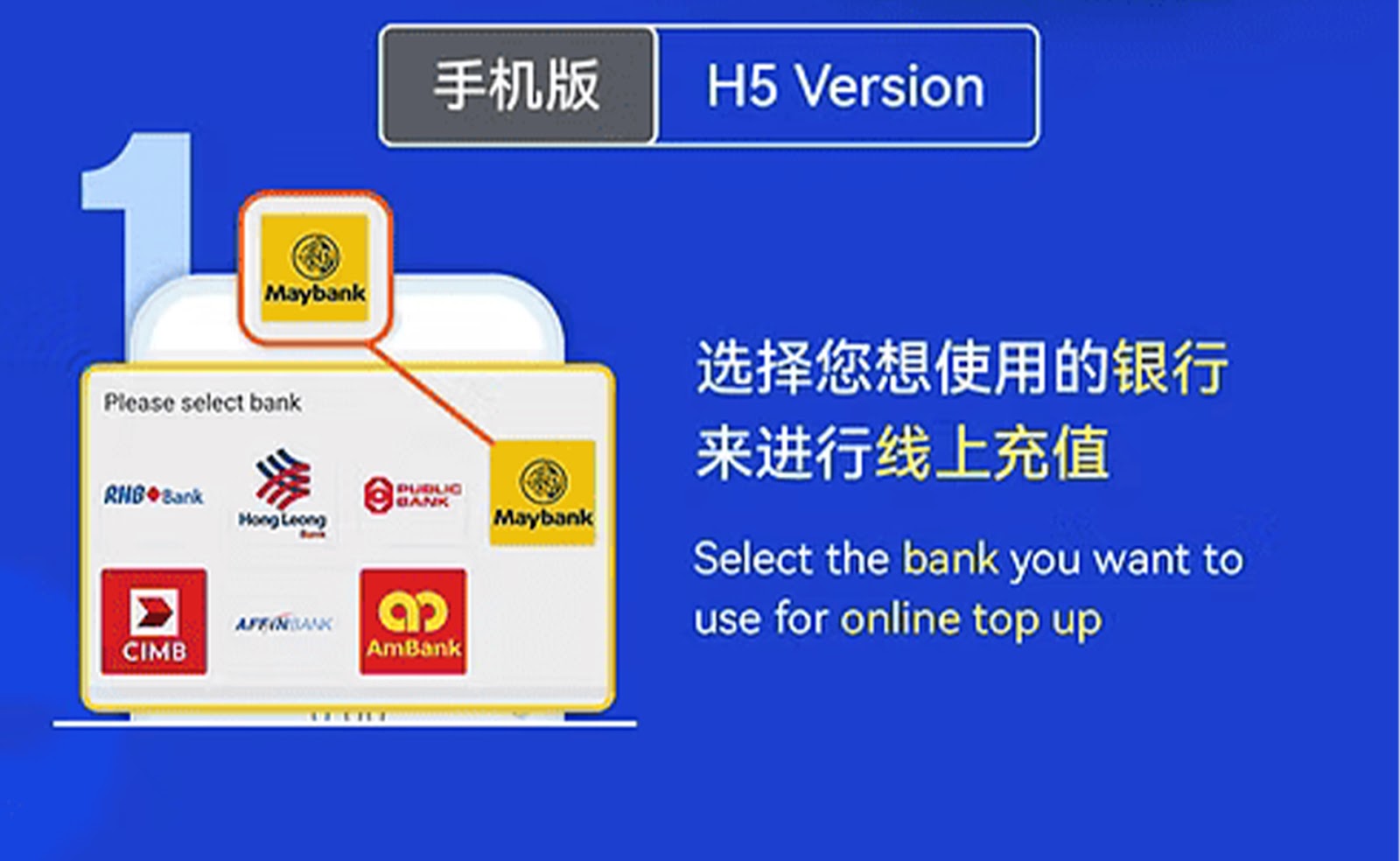

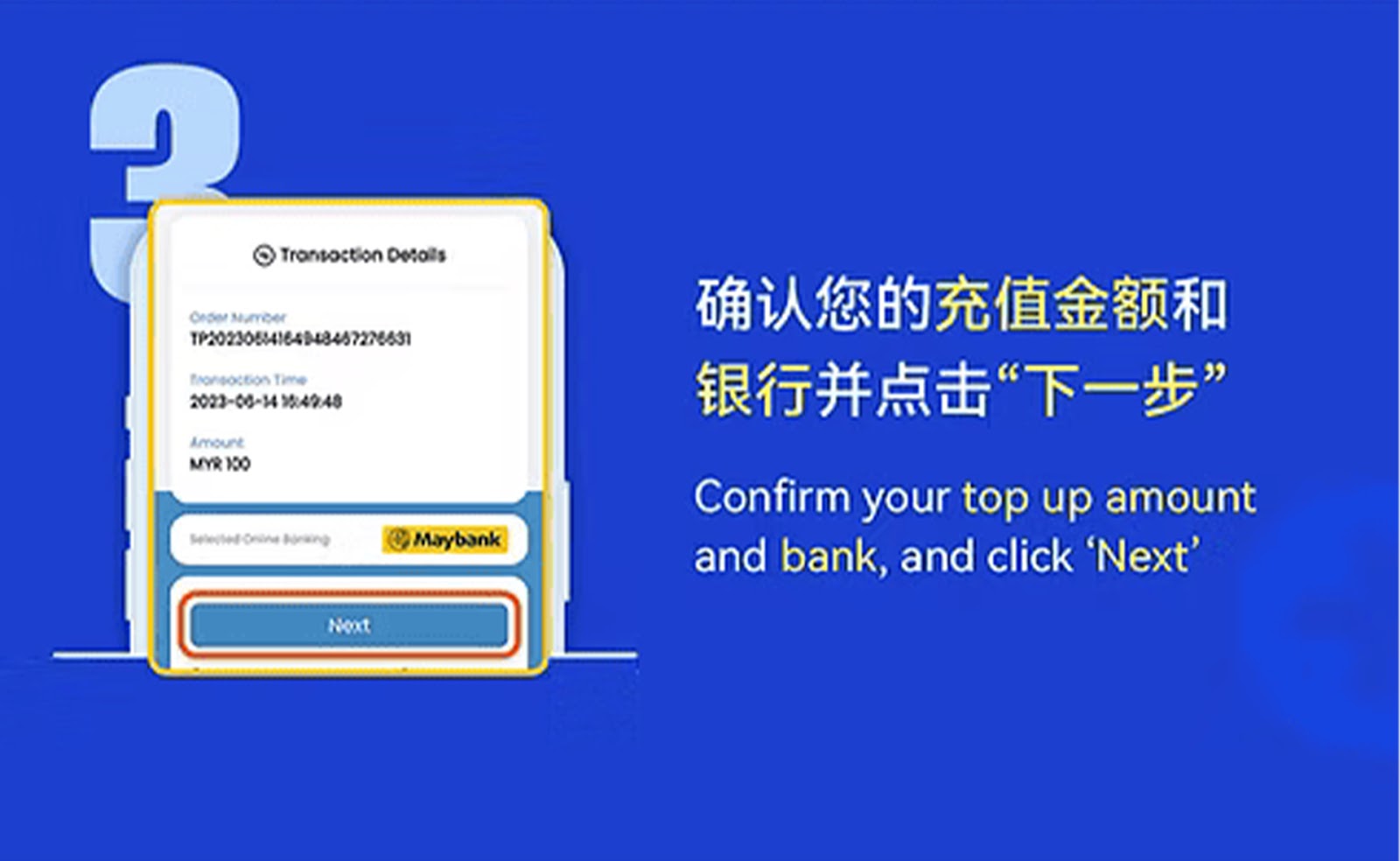
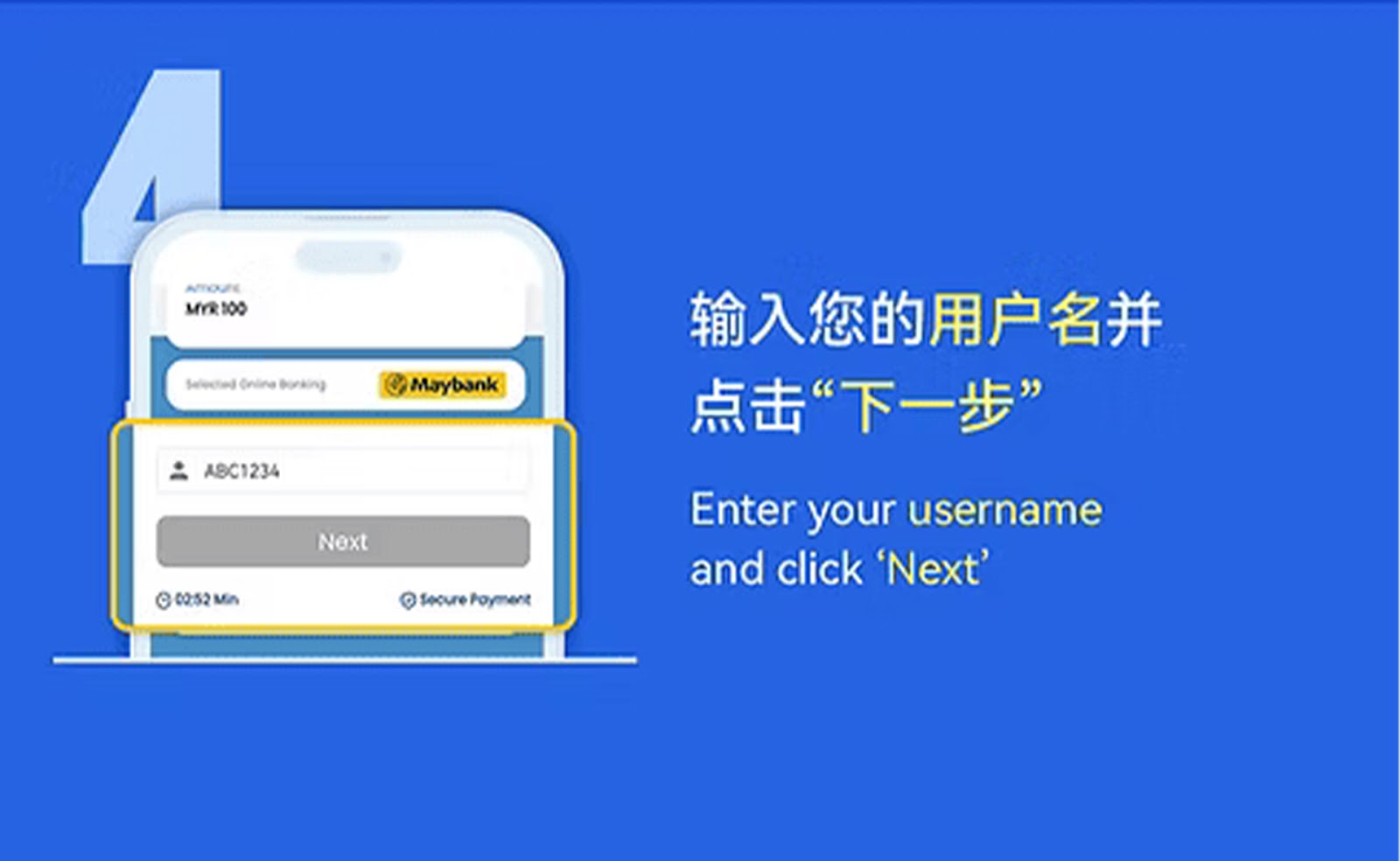
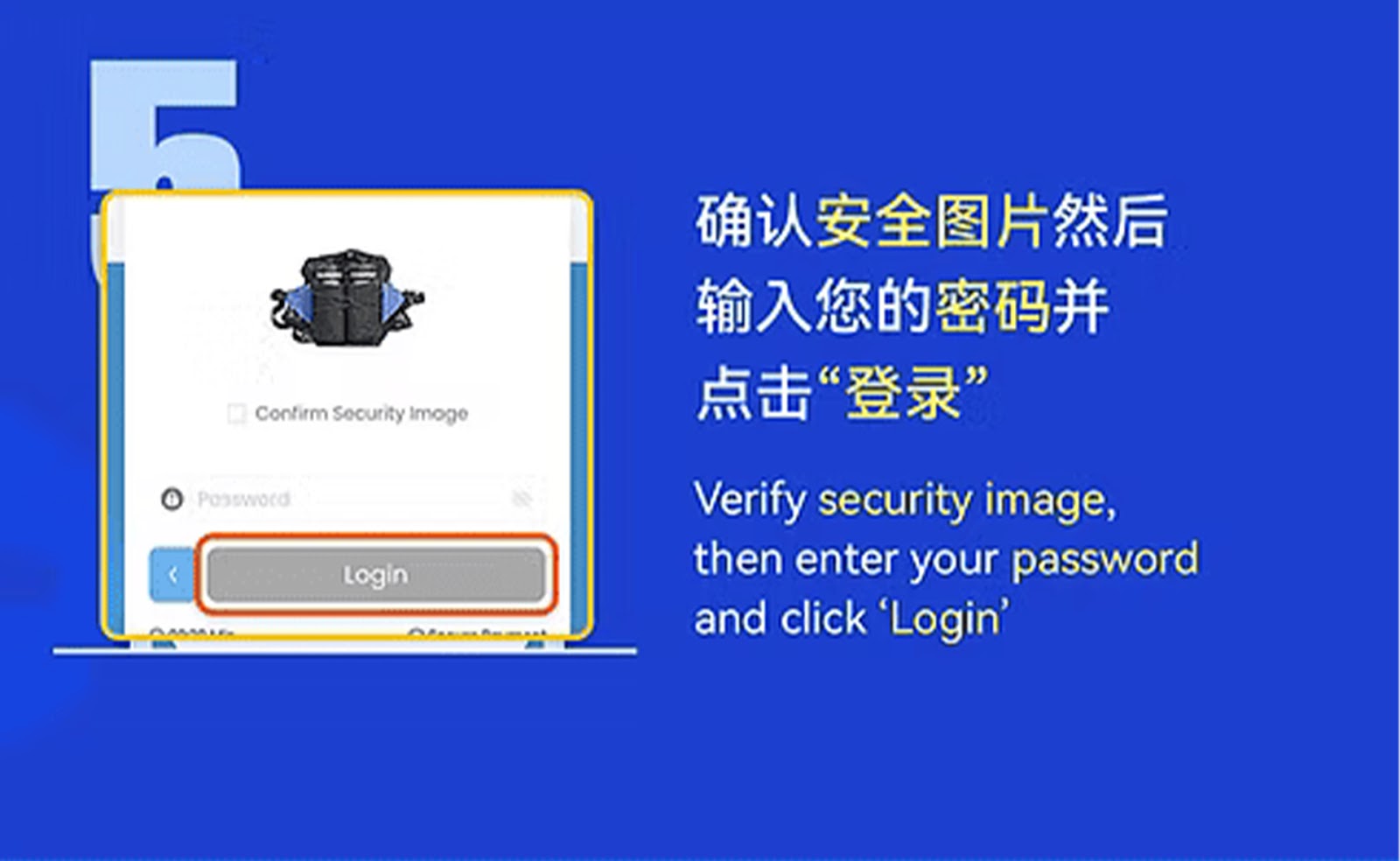

Step 1 – Select Your Bank to Begin
Choose your preferred bank from the list provided in the EzPay interface on WInbox88 Winbox 88, then proceed to open the mobile top-up section.
Step 2 – Input the Top-Up Amount
Enter the deposit amount you want to transfer. Ensure the value is correct before continuing.
Step 3 – Provide Your Bank Account Name
Fill in the bank account name that matches your transfer details, allowing WInbox88 Winbox 88’s EzPay system to verify the incoming payment automatically.
Step 4 – Enter Your Active Mobile Number
Add your mobile number so the EzPay system can match your deposit and synchronize it with your WInbox88 Winbox 88 account.
Step 5 – Tap "Next" to Move Forward
Review your filled details, then tap "Next" to continue to the confirmation and payment phase.
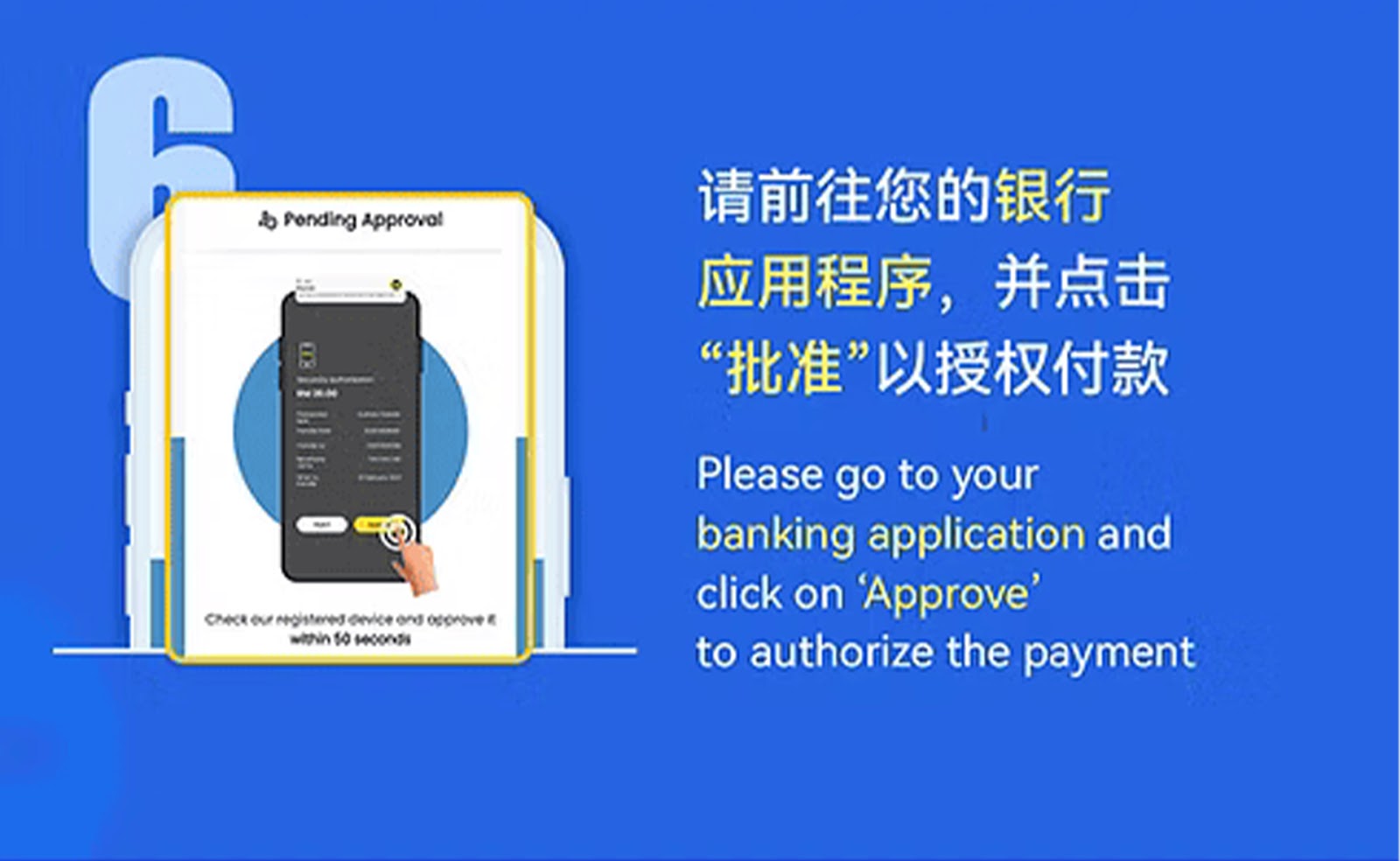
Step 6 – Complete the Transfer via Banking App
Open your mobile banking application, carry out the transfer, and upload the payment slip if the system requests it for validation.
Step 7 – Automatic Verification Process
After your payment is submitted, EzPay will automatically detect and verify your transaction through WInbox88 Winbox 88’s secure processing system.
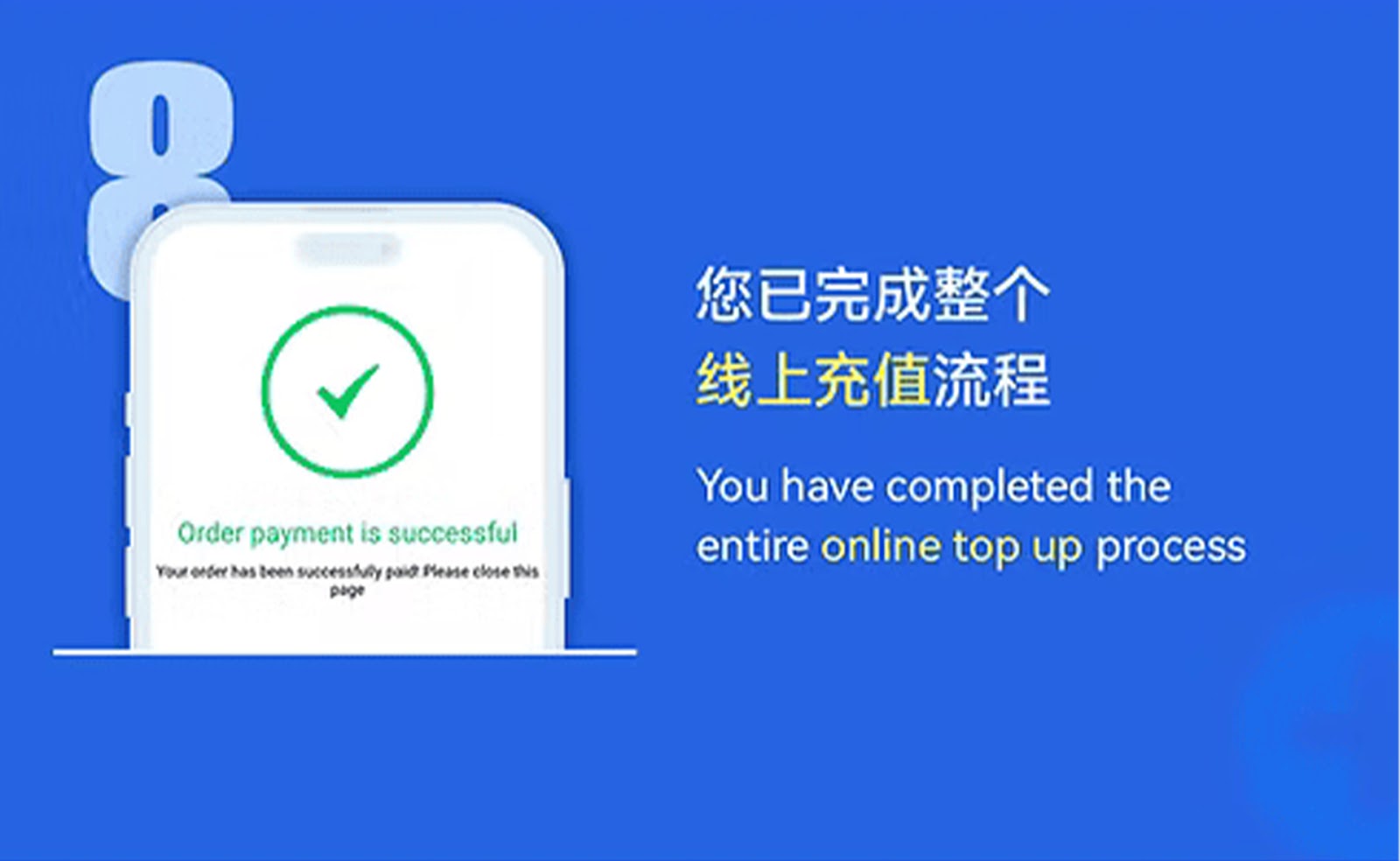
Step 8 – Successful Top-Up
Once verified, your WInbox88 Winbox 88 wallet balance will update instantly, allowing you to continue playing or navigating the platform.
EzPay Top Up Guide (PC Version)
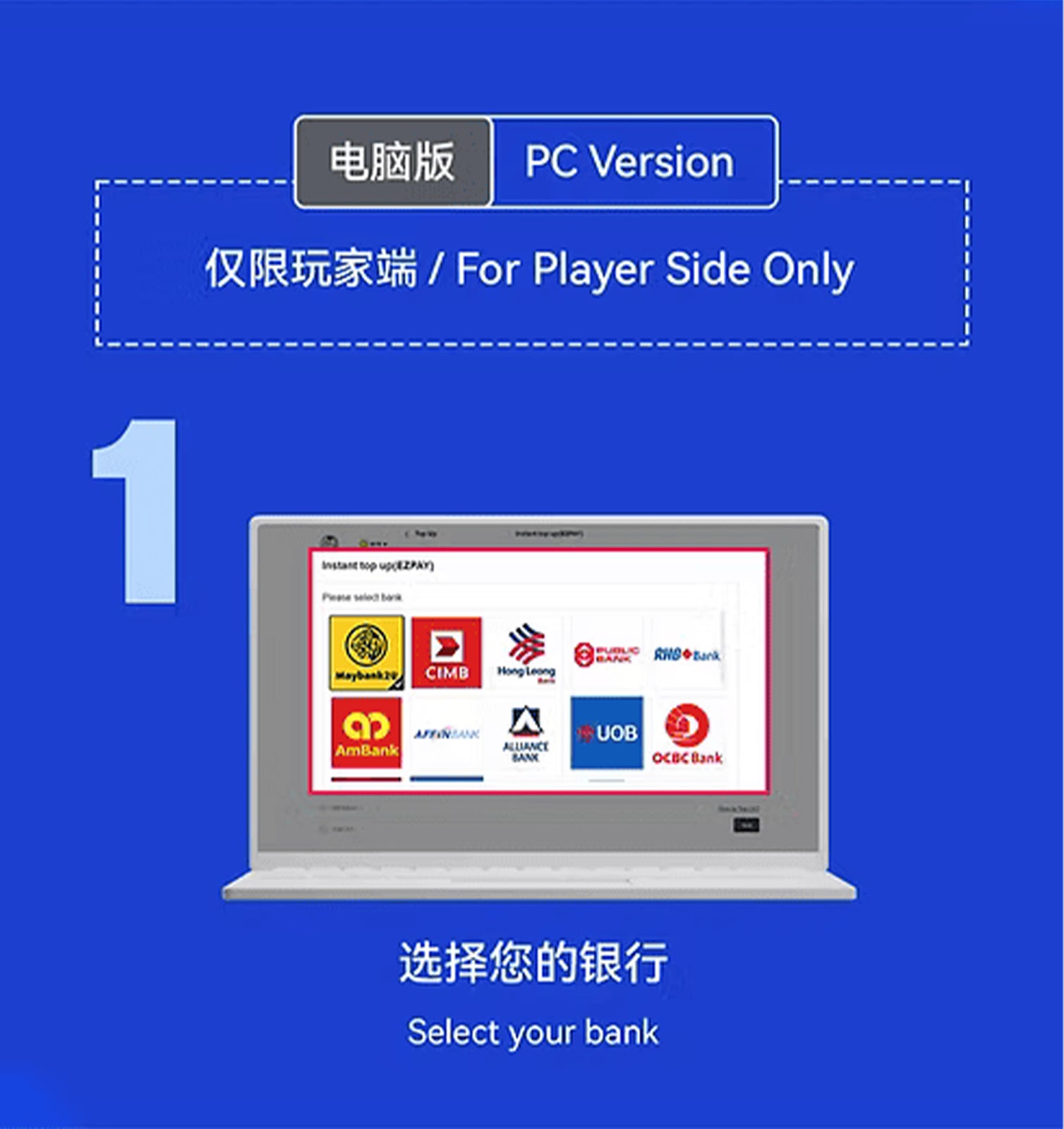

Step 1 – Choose Your Preferred Bank
From your WInbox88 Winbox 88 desktop dashboard, select the bank you wish to use for your EzPay transaction.
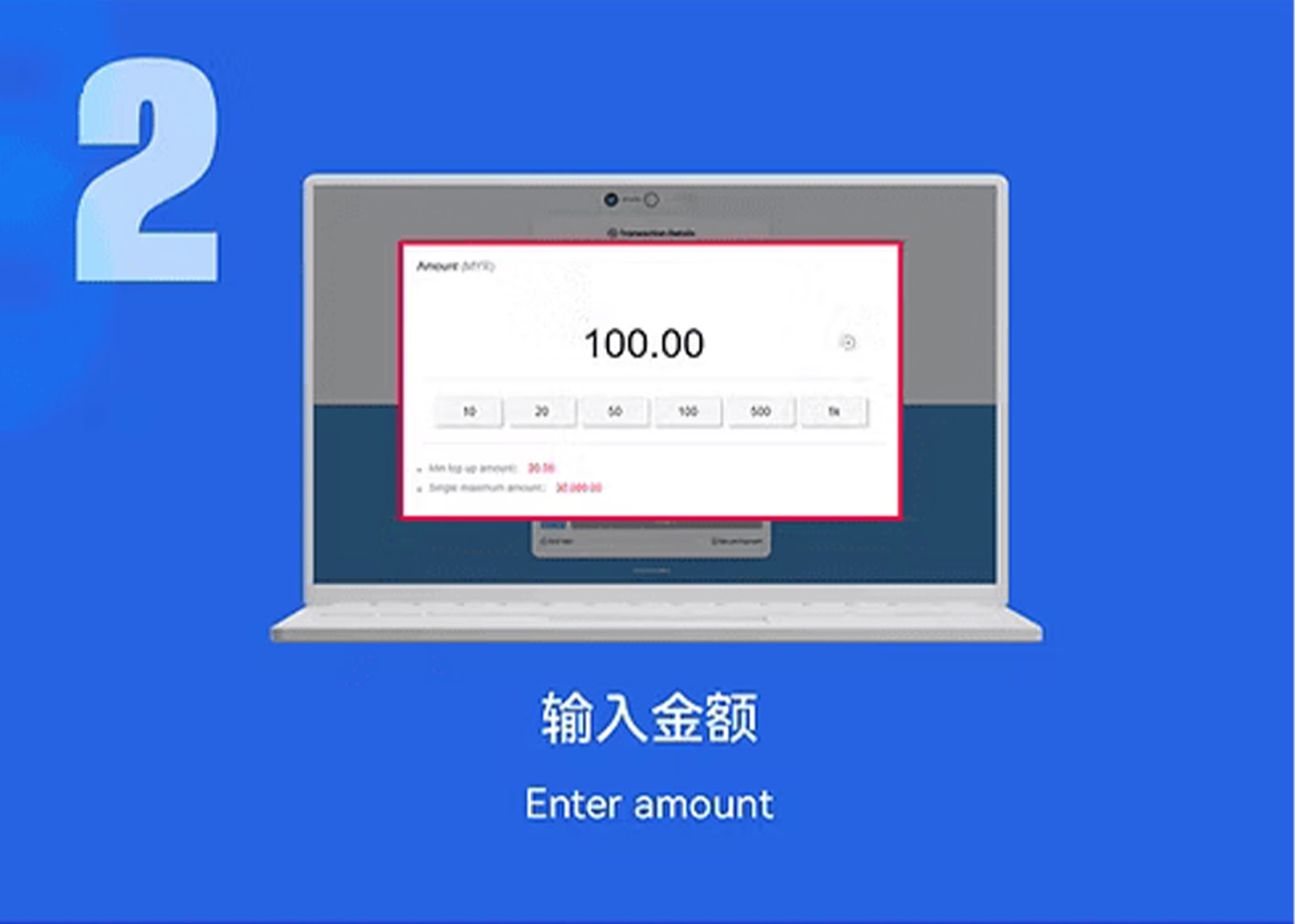
Step 2 – Enter the Deposit Value
Type in your intended deposit amount and proceed to the next step.
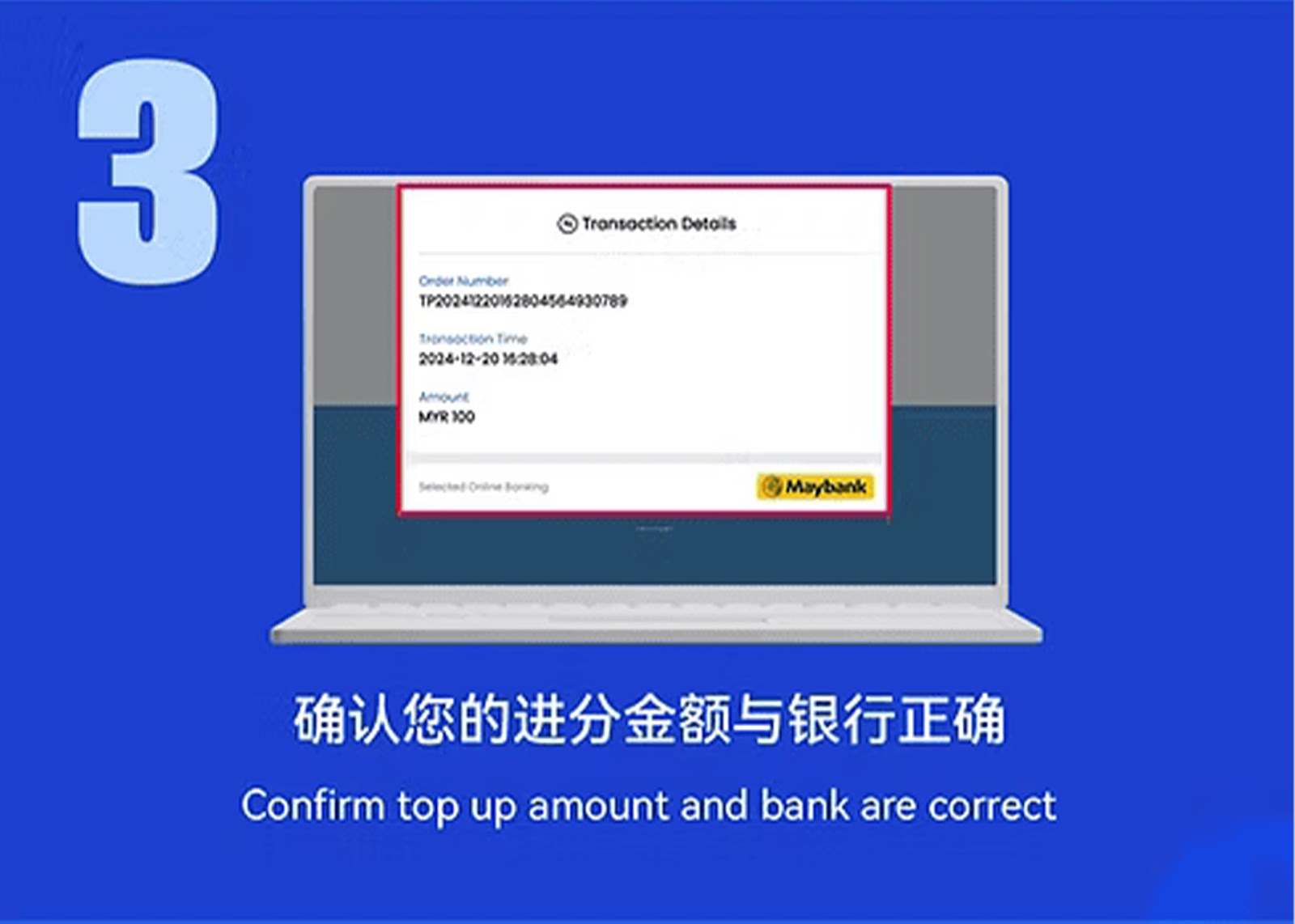
Step 3 – Confirm Your Bank & Amount
Double-check that the selected bank and deposit amount are correct before submitting your request.
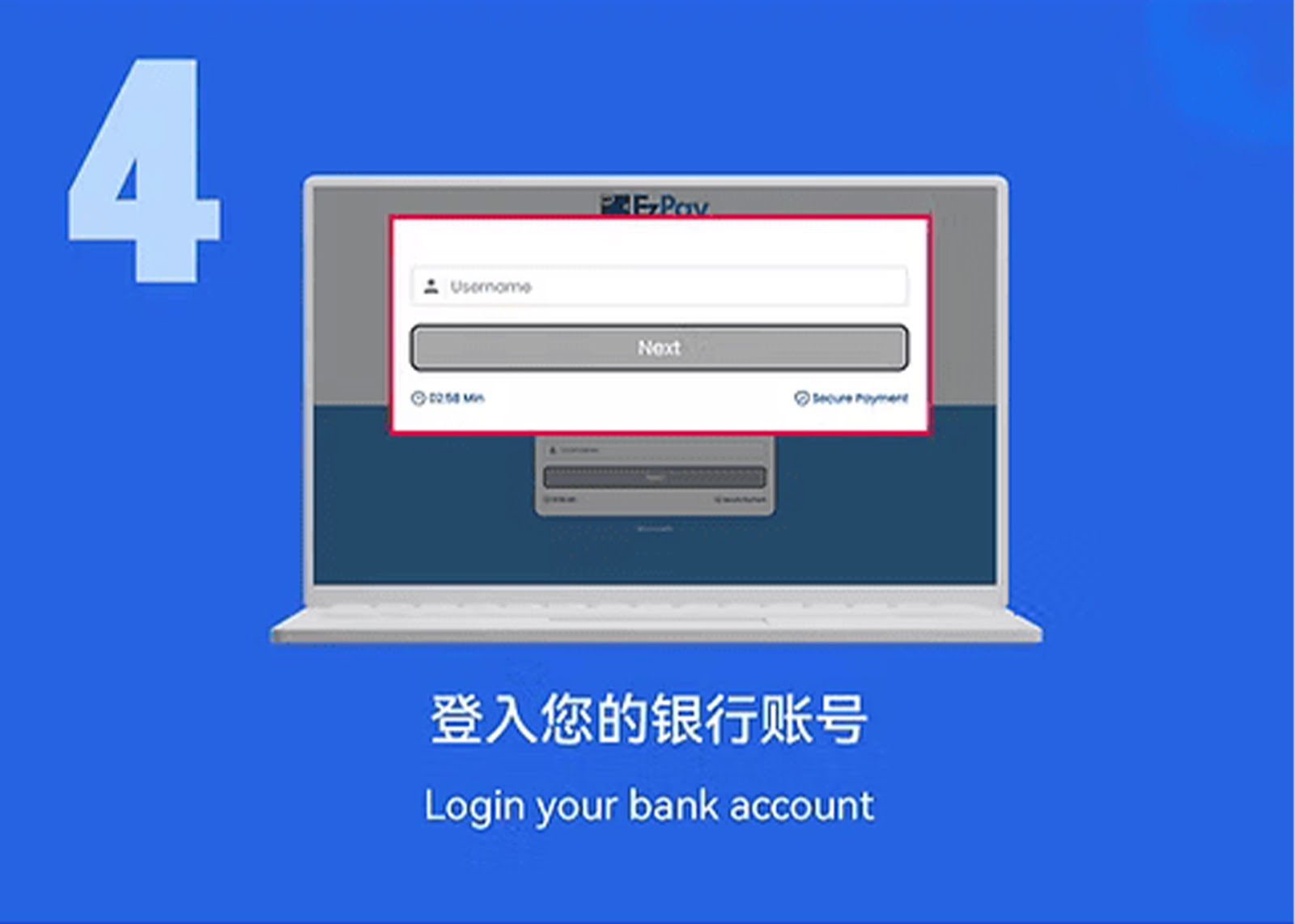
Step 4 – Log In to Your Internet Banking
The system will take you to your bank’s login page. Enter your online banking credentials securely.
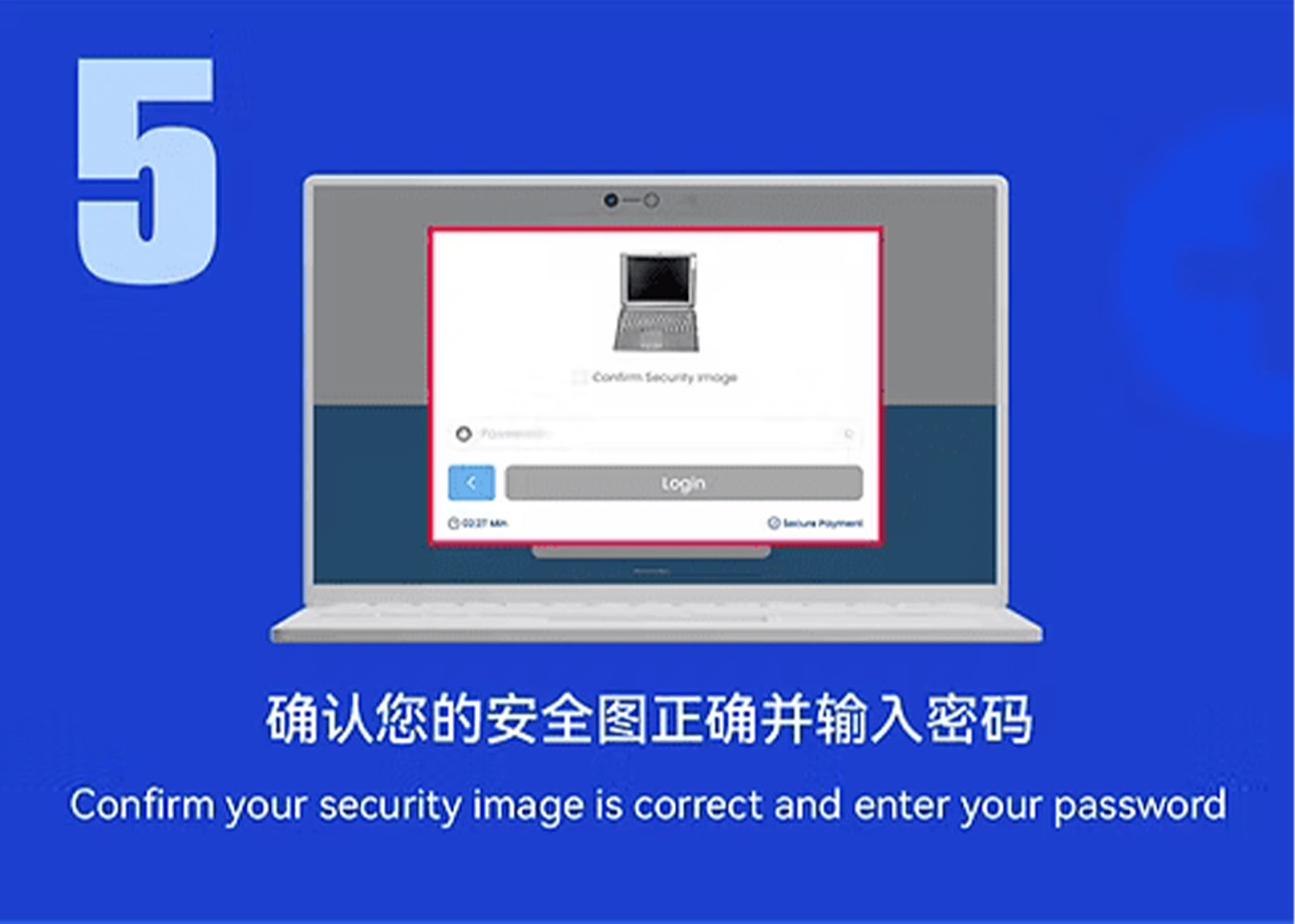
Step 5 – Verify Using Your Bank’s Security Steps
Complete your bank’s security requirements—such as TAC, OTP, or password—to approve payment.
Step 6 – Approve and Finalize the Transfer
Click confirm to authorize the transaction. EzPay processes the payment instantly through WInbox88 Winbox 88.
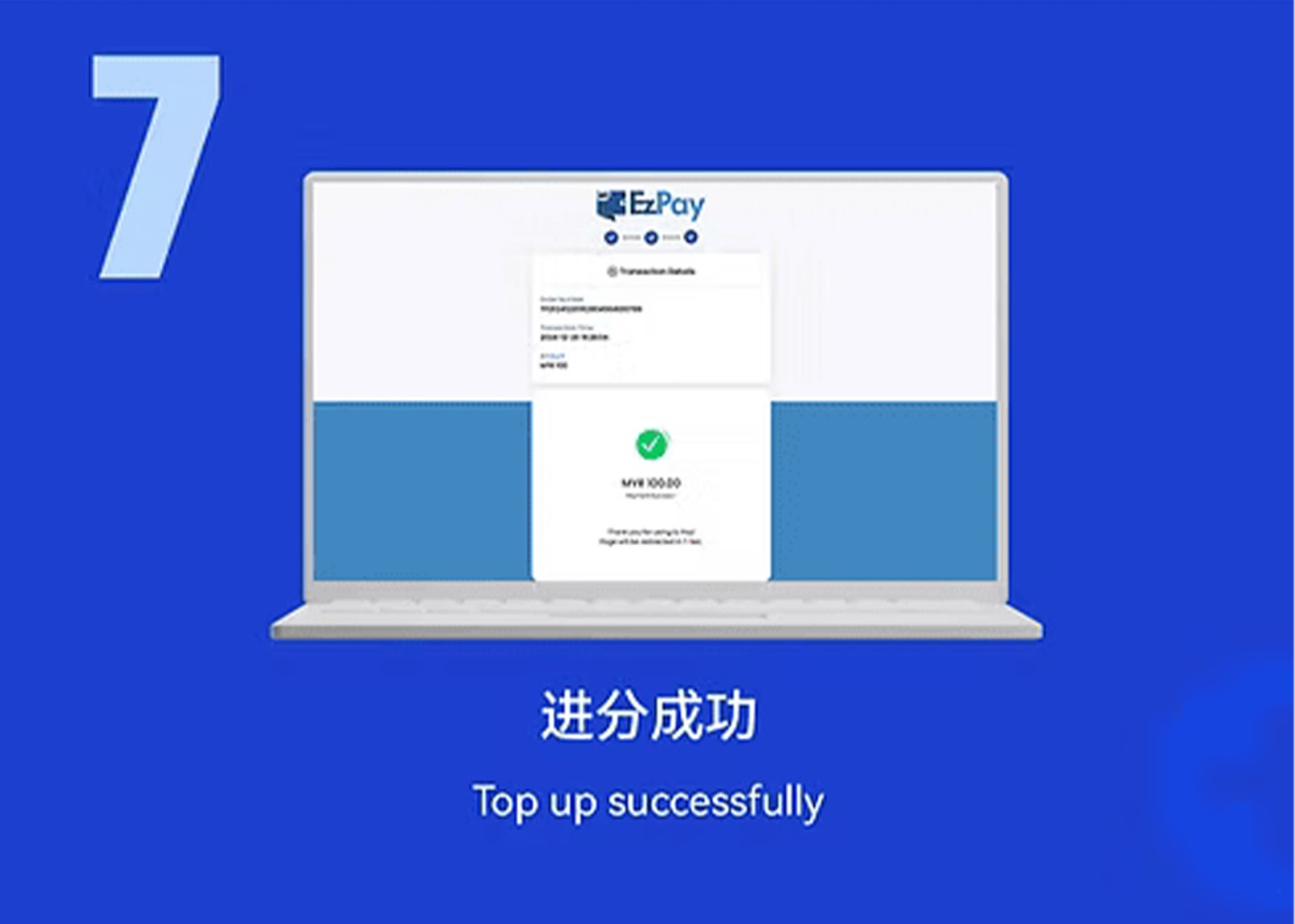
Step 7 – Deposit Successful
After approval, your WInbox88 Winbox 88 balance will be credited automatically with no additional actions needed.
Why Use EzPay on WInbox88 Winbox 88
Smooth & Instant Deposits
EzPay is optimized for fast processing, giving WInbox88 Winbox 88 users immediate balance updates with no waiting time.
High-Level Security Protection
All EzPay transactions on WInbox88 Winbox 88 are encrypted using advanced security protocols to protect user information.
Works Perfectly on Mobile & PC
Whether you prefer using your phone or desktop, EzPay provides a consistent and easy deposit flow across both platforms.
Start Your WInbox88 Winbox 88 EzPay Top Up
Follow the EzPay steps to complete your secure top-up and enjoy seamless access to all games and services on WInbox88 Winbox 88.